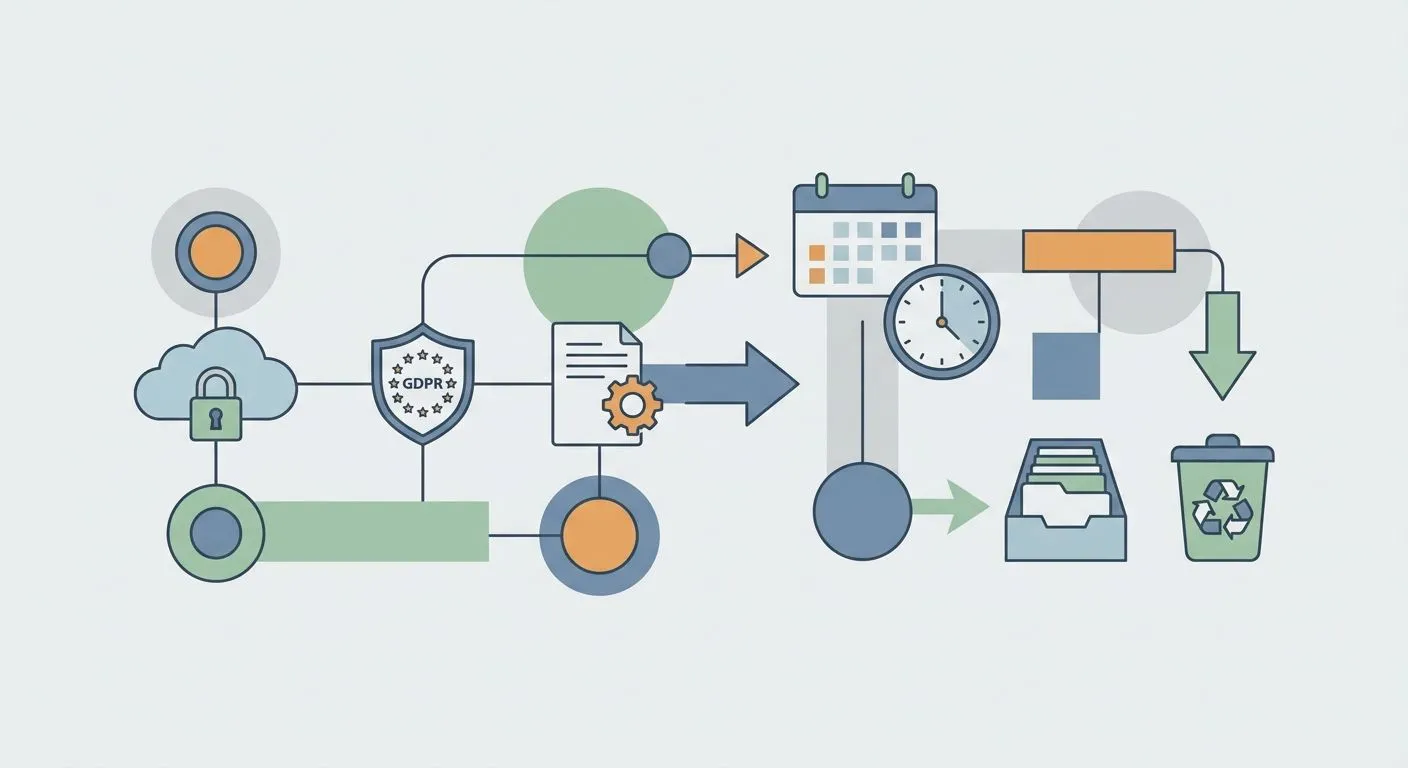
A GDPR data retention policy tells you what personal data you hold, how long you keep it, and when you delete it. Without that, you're guessing under UK GDPR and the ICO will notice.
Why this matters
UK GDPR sets no fixed retention period. It sets a principle: keep personal data no longer than is necessary for the purpose you collected it for, under Article 5(1)(e). The specific number is yours to justify.
Most businesses fail this not because they hoard data on purpose, but because nobody wrote a number down. A GDPR data protection impact assessment usually surfaces the gap: marketing holds emails from 2019, HR holds exit interviews from staff who left three years ago, finance holds invoices going back a decade with no documented reason.
A GDPR data retention policy fixes that. It's a short document, a schedule, and a deletion process. Not a legal essay.
What you'll need
- A current data inventory or asset register: what personal data you hold, where it lives, who processes it
- Your lawful bases under Article 6 for each processing activity
- Statutory retention minimums that apply to you, including HMRC records, employment records and insurance claims data
- Sign-off from whoever owns data protection decisions: a DPO, a founder, or your compliance lead
- A way to enforce deletion once the schedule is set. Calendar reminders work at small scale, automated triggers work past that
- Roughly 2 to 4 hours for the first draft if the inventory exists. Add a day if it doesn't
The steps
1. Inventory the personal data you actually hold
You can't set a retention period for data you haven't listed. Walk every system: CRM, HR platform, support tickets, marketing tools, backups. Log what personal data sits in each.
The common mistake is treating customer data as one bucket. Split it. Names and emails, payment details, support transcripts, browsing behaviour each carry a different retention answer.
2. Map each category to a lawful basis and purpose
Every data category needs a stated reason for existing. A purpose reads like this: collected for marketing under consent given in 2024. Saying you might need it someday is not a purpose, and it's the phrasing that collapses under ICO scrutiny.
Once the purpose is fixed, the retention question gets simple. How long does that purpose require the data to exist?
3. Set retention periods per category, not per system
This is the core of the policy. Some numbers come from law: payroll records for 3 years after the tax year, accounting records for 6 years under the Companies Act. Others are judgment calls, like abandoned cart emails, inactive account data and cookie consent logs.
Write the number down. Marketing leads with no engagement in 24 months get deleted beats retained as needed. If you're weighing platforms to manage this at scale, GDPR compliance software for UK small businesses is worth reviewing before you commit to a spreadsheet process.
4. Write the policy document
Keep it to one page per data category where you can. Structure each entry the same way: category name, lawful basis, retention period, deletion trigger, responsible owner. This is the document an ICO enquiry or a subject access request will ask for.
Don't bury it in a 40-page privacy policy nobody reads internally. A schedule your team actually opens beats a polished PDF that sits unread.
5. Build deletion and review triggers
A retention period without a trigger is a wish, not a control. Decide what fires the deletion: a calendar date, an account closure event, or a status change such as customer churned.
For small teams, a quarterly purge review is realistic. Past a handful of categories, manual review slips. That's the point where automated flags earn their cost.
6. Assign ownership and train staff
One person or team owns the policy, usually the DPO or compliance lead. Everyone who touches personal data needs to know the retention rule for their own system, at least in outline.
A support agent who exports chat logs to a personal drive has created a retention exception nobody tracks. Training closes that gap. A written policy alone doesn't.
7. Automate enforcement and evidence
Manual deletion works until an auditor asks for proof it happened on schedule. Screenshots and email threads don't hold up two years later. Systems that automate evidence collection for audits log the deletion event itself: timestamp, category, and who actioned it. That's the record an ICO enquiry actually wants.
8. Review and update the policy annually
Data flows change every time you add a tool, launch a feature, or open a market. A policy written in 2025 and never touched is already out of date in 2026. Put the review date on the policy itself, not just on the data.
Automate your GDPR retention schedule
See how compliance software handles retention tracking and deletion evidence.
Troubleshooting
- Retention period unclear for a category — default to the shortest period that satisfies the purpose and any statutory minimum, then document the reasoning even when the number is a judgment call.
- Backups still hold data deleted from production — set a separate backup rotation period. Deletion from live systems isn't complete if a six-month-old backup still holds the record.
- Legacy systems can't delete individual records — flag it in the policy as a known limitation with a migration or decommission date, rather than pretending the control works.
- Legal hold conflicts with the schedule — litigation and regulatory holds override standard retention. Document the override and the date it lifts.
- Marketing wants to keep leads indefinitely — tie retention to engagement, not hope. A 24-month inactivity trigger is defensible. Indefinite retention isn't.
- Group structures run different schedules per entity — standardise the categories even when periods differ, so audits don't hit inconsistent logic.
Tools and resources
- ICO guidance on the storage limitation principle, the legal baseline behind every retention decision
- Your existing data inventory or asset register, the starting point for step one
- A DPIA process for any new processing activity that changes retention needs
- ISO 27701 certification for data-driven SaaS companies if you're layering a privacy management system on top of GDPR work
- Compliance automation software to track deletion triggers and generate audit evidence without manual chasing
What to do next
Run the finished schedule against a DPIA for every processing activity that's new or changed in the last 12 months. That's where retention gaps hide longest, and it's the fastest way to catch a category you missed in step one.
Frequently asked questions
One last thing
UK GDPR requires personal data breaches to be reported to the ICO within 72 hours of you becoming aware of them. A large share of breach investigations trace back to data that should have been deleted months or years earlier.
A tight retention schedule doesn't just satisfy an audit checkbox in 2026. It shrinks the pool of data that can leak at all. OneClickComply treats retention scheduling as part of the same automated evidence trail used for ISO 27001 and Cyber Essentials, so the deletion log and the audit log are one record. Seriously simple cyber compliance.