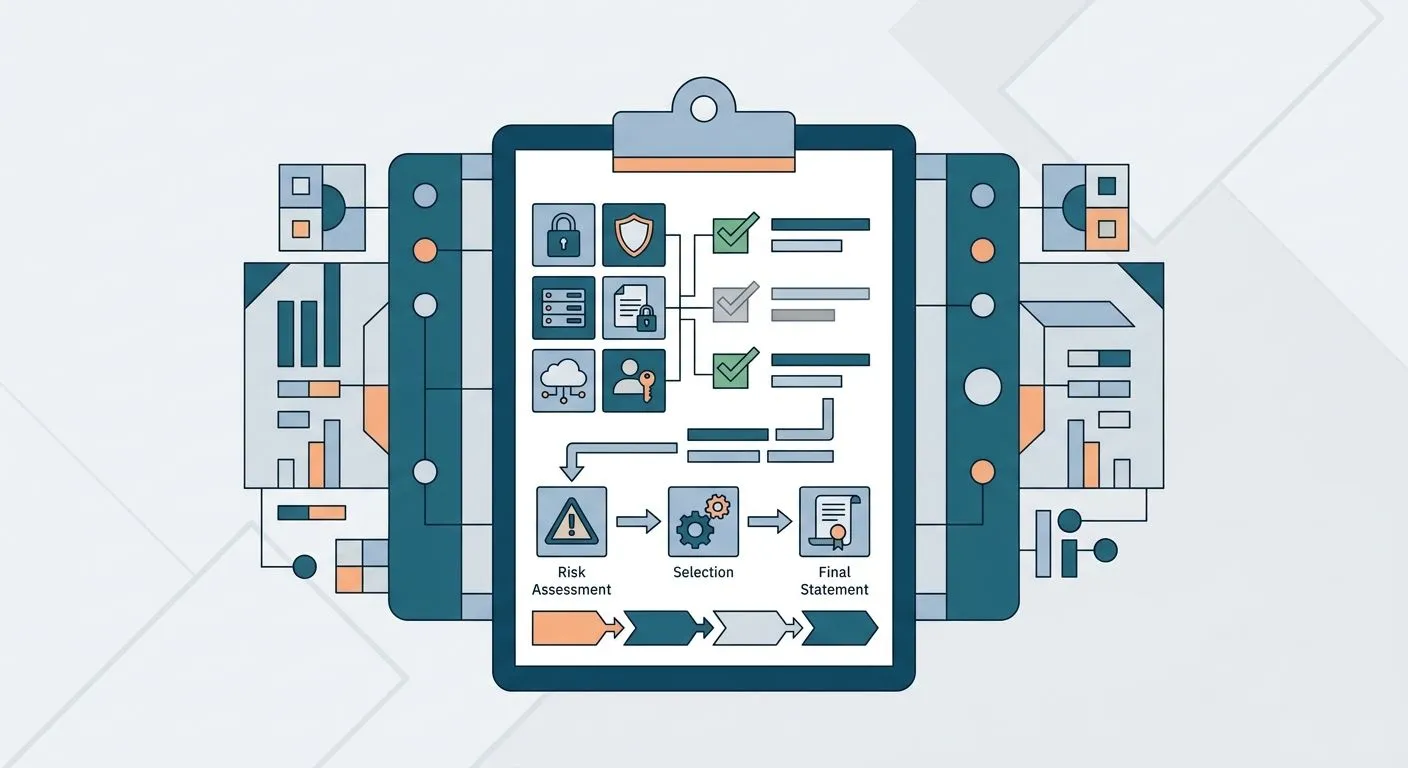
A Statement of Applicability (SoA) is the single document that lists all 93 Annex A controls from ISO 27001:2022, marks each one as included or excluded, and justifies the decision — auditors read it before they read anything else in your file.
A gap analysis or risk assessment feeds the SoA, but the SoA itself is the document Clause 6.1.3(d) makes mandatory, and a thin justification column is the single most common nonconformity raised at Stage 1 audit in 2026.
Why this matters
The SoA is the document your certification body checks against your risk assessment, your policies, and your actual operating environment — three documents that all need to say the same thing.
Get the SoA wrong and one of two things happens: you carry excluded controls that later turn up unmanaged in your environment, or you claim controls you can't produce evidence for at the surveillance audit. Both get flagged.
A gap analysis before certification should already tell you which of the 93 controls are weak, missing, or irrelevant — the SoA is where you write that down formally, control by control.
How do you complete an ISO 27001 statement of applicability?
Complete an ISO 27001 Statement of Applicability by working through all 93 Annex A controls one at a time and recording four things for each: inclusion status, justification, implementation status, and a reference to supporting evidence.
- Pull your risk assessment output. Every control decision has to trace back to a risk you actually identified — not a generic template line.
- Go control by control, not theme by theme. Skipping around causes duplicate or contradictory justifications across related controls.
- Mark inclusion status. Included, excluded, or partially implemented — no control gets left blank.
- Write a justification specific to your business. "Not applicable" alone gets rejected by most certification bodies in 2026; state why it doesn't apply.
- Link each row to evidence. A policy document, a config screenshot, a ticket — the SoA row should point somewhere, not sit alone.
- Cross-check against your risk treatment plan. Every risk with a treatment decision needs a matching SoA row, and vice versa.
Use this table as the shape each row should take:
| Control | Status | Justification | Evidence reference |
|---|---|---|---|
| A.5.1 Policies for information security | Included | Required — governs all other controls | Information Security Policy v3 |
| A.7.4 Physical security monitoring | Excluded | Fully remote workforce, no office premises | Risk assessment R-014 |
| A.8.9 Configuration management | Included | Cloud infrastructure requires baseline config control | CMDB export, Jan 2026 |
Mapping every Annex A control to your existing IT controls before you start the SoA saves you re-doing this table twice.
The four Annex A themes and what each covers
ISO 27001:2022 organizes its 93 controls into four themes, and your SoA needs representation across all of them — a SoA that's silent on an entire theme is a red flag on its own.
- Organizational controls (37 controls): policy, roles, supplier relationships, incident management — the largest theme and usually the one with the most included controls.
- People controls (8 controls): screening, terms of employment, awareness training, disciplinary process.
- Physical controls (14 controls): secure areas, equipment, clear desk — the theme most likely to have legitimate exclusions for remote-first businesses.
- Technological controls (34 controls): access control, cryptography, logging, secure development — the theme auditors probe hardest for evidence.
Why Statement of Applicability drafts get rejected
- Generic justifications copied from a template instead of language tied to your actual risk register.
- Excluded controls with no reasoning — auditors treat a blank exclusion as an unmanaged risk, not a deliberate decision.
- Version mismatch between the SoA and the risk treatment plan — different control counts or different inclusion decisions across documents.
- No evidence references — a status of "implemented" with nothing behind it doesn't survive a surveillance audit.
- Missing controls — all 93 need a row; a control that's simply absent from the table is worse than one marked excluded.
- Stale SoA versions — the document needs an update log every time scope, systems, or risk assessment changes.
Do you need to justify every excluded control?
Yes — every excluded control in the ISO 27001 Statement of Applicability needs a written justification, not just a status flag. An auditor reading "excluded" with no reason attached will ask you to justify it on the spot, so the written version has to already answer that question.
How many controls are in the ISO 27001 statement of applicability?
The ISO 27001:2022 Statement of Applicability covers 93 Annex A controls, down from 114 controls in the 2013 version of the standard. The four themes — organizational, people, physical, technological — replaced the 14 sections used before 2022.
Is the Statement of Applicability mandatory for certification?
Yes — the Statement of Applicability is a mandatory document under Clause 6.1.3(d) of ISO 27001, and no certification body will issue a certificate without one on file. It sits alongside the risk assessment and risk treatment plan as one of the three documents auditors request first.
Manually cross-referencing 93 controls against a risk register and an evidence folder is where most SoA drafts stall — OneClickComply's compliance software pulls risk assessment data straight into SoA rows so the justification and the evidence reference are generated together instead of written twice.
Automate your ISO 27001 SoA
Map risk assessment data to Annex A controls automatically.
Frequently asked questions
One last thing
The SoA isn't a one-time document — every scope change, new system, or updated risk assessment needs a version update, and auditors check the revision history at every surveillance audit. Passing an ISO 27001 surveillance audit depends more on a maintained SoA than on the original certification effort.