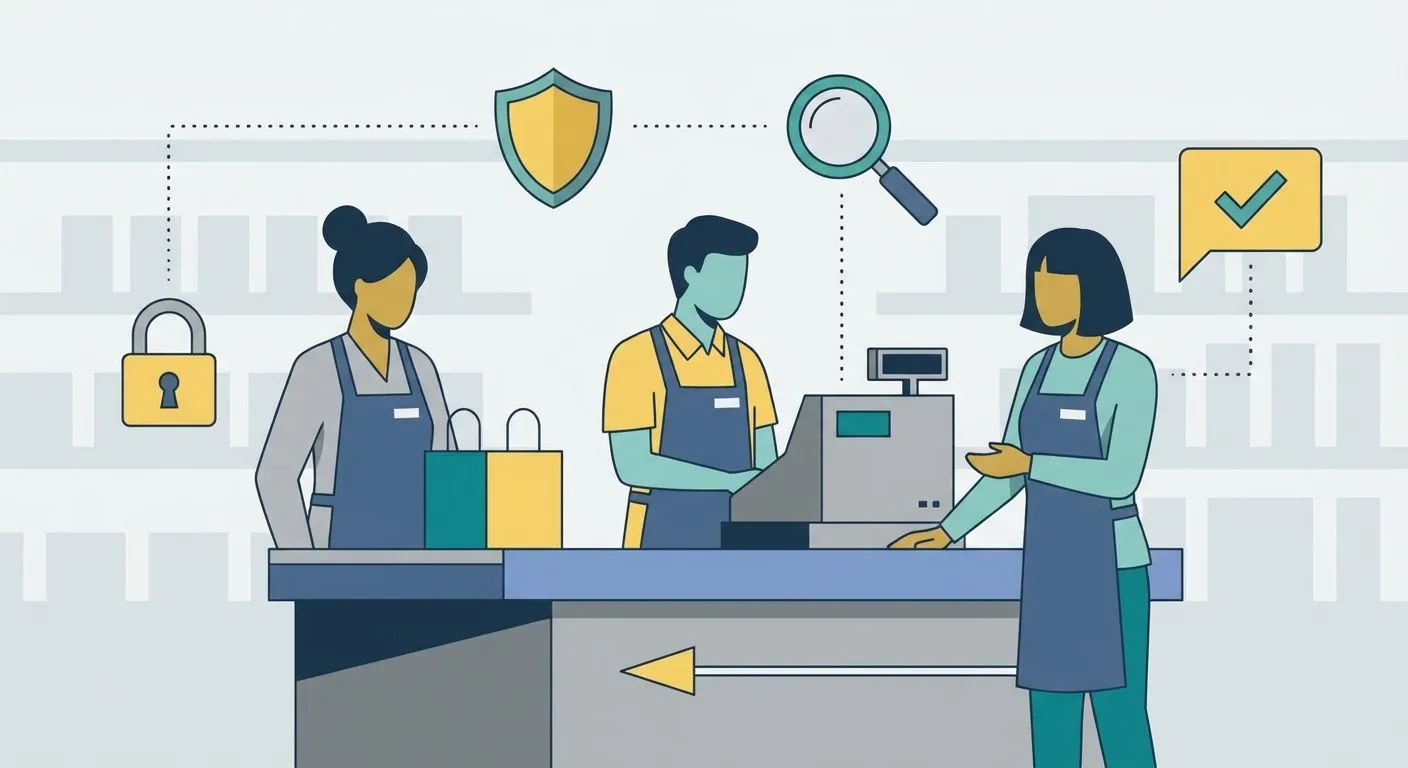
Security awareness training for frontline retail teams is short, role-specific instruction that teaches till staff, store managers, and seasonal hires to spot phishing, card fraud, and social engineering before it reaches a customer's payment details. Retail floors move fast and turnover is high, so training here has to be quick to finish and easy to repeat — not a once-a-year compliance tick-box.
Why security awareness training matters for retail teams
Retail staff sit at the point where digital fraud meets a live customer transaction. A till operator who falls for a fake "card declined, re-enter details" script hands over payment data in seconds — no firewall stops that.
Seasonal hiring makes this worse. A store bringing on 20 temporary staff for a peak period has 20 people with till access and no institutional memory of last year's phishing attempts. Cyber Essentials for retail businesses already expects staff awareness controls as part of certification — training isn't a side project, it's part of what an assessor checks.
Retail also carries a mix of digital and physical social engineering: a caller posing as "head office IT" asking for a password reset, a delivery driver asking to be let into a stockroom, a customer running a gift-card refund scam at the counter. Generic e-learning built for office workers rarely covers any of it.
Map your frontline attack surface
Start by listing where retail staff actually interact with sensitive data and systems — training built on a real map beats training built on a template.
- POS terminals and any card data handling at the till
- Store Wi-Fi and connected devices (card readers, stock scanners, CCTV)
- Gift card and voucher fraud scripts run by customers or callers
- Shared till logins and access badges
- Delivery, stockroom, and "can you let me in" social engineering attempts
Build role-specific training modules
A store manager and a till operator face different risks — one course for both means neither gets what they need.
- Till staff: card fraud red flags, gift-card refund scams, spotting a fake declined-card call
- Store managers: incident escalation steps, verifying "head office" or vendor calls
- Seasonal hires: a fast-track onboarding module before their first shift on the till
- Loss prevention teams: where physical theft overlaps with digital fraud (skimming devices, card cloning)
Run phishing and social engineering simulations
Reading about phishing and recognising it live are different skills — simulation is what actually changes behaviour.
- Send simulated phishing emails to store distribution lists, not just head office inboxes
- Run test phone calls posing as IT support or a supplier
- Test physical tailgating at stockroom and staff-only doors
- Track who reports the attempt versus who clicks or complies
Penetration testing for social engineering and phishing simulations covers how to scope this properly if you want an outside team running the test rather than doing it in-house.
Set a training cadence that matches turnover
Annual training assumes annual staff — retail rarely works that way.
- Onboarding-day module completed before till access is granted
- Quarterly 10-minute refreshers for existing staff
- Immediate retraining triggered after any real incident or near-miss
- A short pre-peak-season refresh for returning seasonal staff
Track completion and tie it to audit evidence
This is where manual tracking breaks down fastest — a spreadsheet across 15 stores gets stale within weeks.
- Log completion per employee, not per store
- Map training records to the specific Cyber Essentials or ISO 27001 controls they support
- Set automatic reminders for staff who haven't completed a module
- Keep records ready for an assessor without a scramble before audit day
Manual tracking works at one location. Once you're running training across multiple stores with rotating seasonal staff, OneClickComply automates the assignment, reminders, and audit-ready evidence collection so a completion log is already sitting there when a Cyber Essentials or ISO 27001 assessor asks for it.
Measure what's actually working
Completion rates tell you who finished a module. They don't tell you if training changed behaviour.
- Phishing simulation click-through rate over time
- Time-to-report for suspicious emails or calls
- Completion rate broken down by store, region, or shift pattern
- Repeat incidents involving the same fraud type
Comparison of training options for retail teams
Security awareness training platforms built for UK SMEs vary a lot in how well they fit a multi-site retail operation with high turnover.
| Option | Best for | Key limitation |
|---|---|---|
| Generic e-learning course | One-off compliance box-ticking | Not role-specific to till or store operations |
| In-person workshop | Small single-site teams | Doesn't scale across stores or shift patterns |
| Standalone phishing simulation tool | Testing click-through rates | No audit evidence trail on its own |
| Automated compliance platform (OneClickComply) | Multi-site retailers tracking Cyber Essentials or ISO 27001 evidence | Needs initial setup to map roles and stores |
Verdict: retailers running more than one site with seasonal hiring get more value from an automated platform than a one-off workshop — the workshop teaches the room once, the platform keeps teaching every new hire.
Common mistakes retail teams make
- Treating training as an annual event while staff turn over every few months — the training expires faster than the schedule assumes.
- Running the same course for managers and till staff, missing the escalation skills managers actually need.
- Skipping gift-card and refund fraud scenarios — a scam type that specifically targets frontline staff, not IT systems.
- No link between training completion and audit evidence — assessors ask for records, and a spreadsheet across ten stores rarely holds up.
- No clear reporting path for staff who spot something suspicious, so incidents go unreported instead of escalated.
Automate retail compliance training
Assign, track, and evidence security awareness training across every store.
Frequently asked questions
One last thing
The fastest fix most retailers skip: a single scripted response for the "your card was declined, please read me the number again" call. Training staff to hang up and call the customer back on a verified number stops one of the most common till-side scams cold, and it costs nothing to roll out tomorrow.