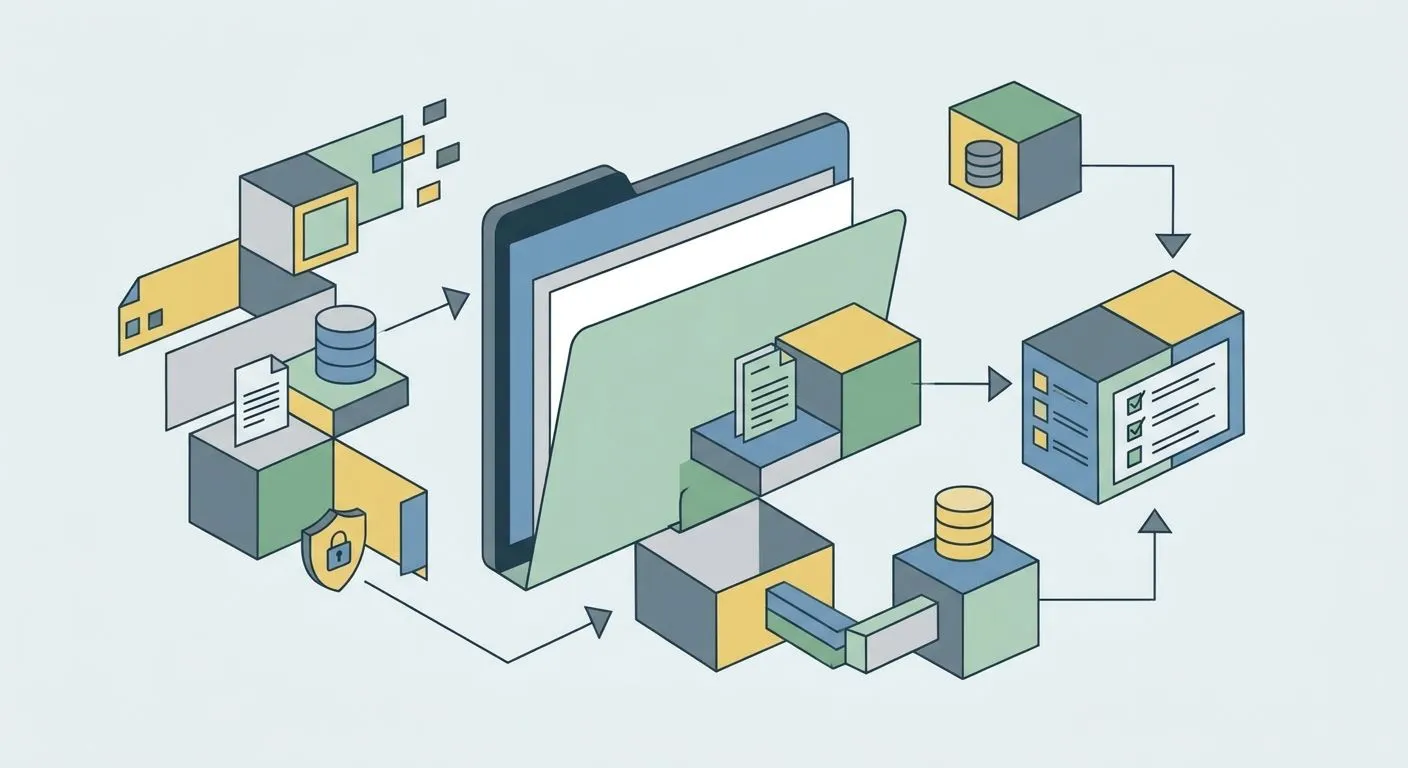
A GDPR record of processing activities is the master list of every way your business collects, uses, stores, and shares personal data — and Article 30 of UK GDPR makes it mandatory for most companies with employees or customers in the UK in 2026.
Why this matters
Article 30 UK GDPR requires controllers and processors to maintain a written record of processing activities. The exemption for organisations under 250 employees only applies if your processing is occasional, doesn't touch special category data, and doesn't risk the rights of the people you hold data on. Most SMEs handling customer records, employee files, or marketing lists don't qualify for the exemption in practice.
The Information Commissioner's Office can request your record of processing activities during any investigation, and a missing or thin RoPA is one of the first gaps auditors flag. Before you fix the record itself, it helps to understand where personal data actually creates risk — a data protection impact assessment does that for high-risk processing and feeds directly into your RoPA entries.
A good record of processing activities isn't a compliance chore you finish once. It's a live map that changes every time you add a new tool, a new data flow, or a new supplier.
What you'll need
- A list of every business function that touches personal data: HR, sales, marketing, support, finance
- Names and contact details of your data controller and DPO (if you have one)
- The legal basis you rely on for each processing activity — consent, contract, legal obligation, legitimate interest
- Categories of data subjects (customers, employees, job applicants) and the data types you hold on each
- Retention periods already agreed for each data category, or a plan to set them
- A record of any international transfers, including which safeguard covers them
- A shared platform everyone with ownership can update — a spreadsheet works to start, but it gets unwieldy fast once you're tracking dozens of entries
The steps
1. Map every processing activity, not every department
List activities by what happens to the data, not by who owns it. "Payroll processing," "customer support ticketing," and "email marketing" are activities. "HR" and "Sales" are departments that run several activities each.
Walk through each team and ask what personal data touches their tools. A common mistake here: stopping at the obvious systems (CRM, payroll) and missing shadow tools like a spreadsheet a sales rep keeps on the side.
2. Assign a legal basis to each entry
Every processing activity needs one of the six lawful bases under UK GDPR: consent, contract, legal obligation, vital interests, public task, or legitimate interests. Write down which one applies and why, in plain language.
Don't default to "consent" for everything — it's the hardest basis to prove later because you need evidence the person actively opted in. Contract or legitimate interest often fits better for standard business operations like invoicing or support tickets.
3. Log data subject categories and data types
For each activity, record who the data belongs to (employees, customers, suppliers, website visitors) and what you actually hold (names, emails, bank details, health data, IP addresses). Be specific — "customer data" isn't an entry, "customer name, email, delivery address, and order history" is.
Flag special category data (health, biometric, religious, political) separately. These carry extra legal basis requirements and usually push you past the 250-employee exemption regardless of company size.
4. Record recipients and any international transfers
List who else sees the data: payroll providers, cloud hosts, marketing platforms, insurers. For each recipient outside the UK or EU, note the transfer mechanism — Standard Contractual Clauses, an adequacy decision, or another approved safeguard.
The mistake most teams make: they list the direct vendor (a CRM) but miss the sub-processors that vendor uses. Check your vendor's own data processing terms for that list.
5. Set retention periods per data category
Every entry needs a retention period and a reason for it — a statutory requirement, a contract term, or an internal policy. "We'll keep it as long as we need it" isn't a retention period; it's the gap an auditor will find first.
If departments have different practices for the same data type, pick one policy and apply it everywhere. Conflicting retention rules across teams are the single most common inconsistency in a first-draft RoPA.
6. Document security measures for each activity
Note the technical and organisational controls protecting each data flow: encryption at rest, access controls, staff training, backup schedules. This section doesn't need to be exhaustive — it needs to show you thought about risk for that specific activity.
7. Assign an owner and a review date
Every entry needs a named owner responsible for keeping it current, and a scheduled review date — quarterly works for most SMEs. Without an owner, your record of processing activities goes stale the moment the underlying process changes.
8. Store it somewhere audit-ready
A spreadsheet is fine for a first draft. It stops being fine once you're managing dozens of entries across multiple frameworks, because updates get missed and version control breaks down. At that point, migrating from spreadsheets to a compliance platform removes the manual chasing.
Troubleshooting
- You don't know all your processing activities. Interview each department head directly rather than relying on an existing data map — shadow tools rarely show up in official documentation.
- Retention periods conflict across departments. Assign one policy owner per data category and apply their decision company-wide, even if it means changing an existing team's habit.
- The RoPA goes stale within weeks. Tie updates to your change process — any new tool or vendor triggers a RoPA update before it goes live, not after.
- You can't find the RoPA when the ICO asks. Store it in a platform your compliance owner checks weekly, not a folder buried on someone's laptop.
- Special category data isn't flagged separately. Audit HR and health-adjacent data flows on their own; they carry different legal basis rules than general customer data.
Automate your GDPR record of processing activities
Keep entries, owners, and review dates current without the spreadsheet chasing.
Tools and resources
- A shared spreadsheet template with columns for activity, legal basis, data subjects, data types, recipients, transfers, retention, and security measures
- A change log that flags every new tool or vendor for RoPA review
- Evidence collection automation, if you're already managing multiple frameworks — see how to automate evidence collection for audits once your RoPA is stable
- A quarterly calendar reminder tied to your compliance owner, not a one-off task
What to do next
Once your record of processing activities is complete, it becomes the foundation for your data protection impact assessments, your privacy notices, and any ISO 27701 or SOC 2 evidence you need later. Platforms like OneClickComply track owners, retention periods, and review dates automatically, so the record stays current instead of drifting out of date between audits.
Seriously simple cyber compliance means the RoPA update happens as part of the workflow, not as a separate chore someone remembers in March.
Frequently asked questions
One last thing
The entries that go stale fastest aren't the big systems like payroll or your CRM — they're the small, occasional activities: a one-off survey, a trial tool someone signed up for, a spreadsheet a manager kept on the side. Build your review process around catching those, not just auditing the systems everyone already knows about.