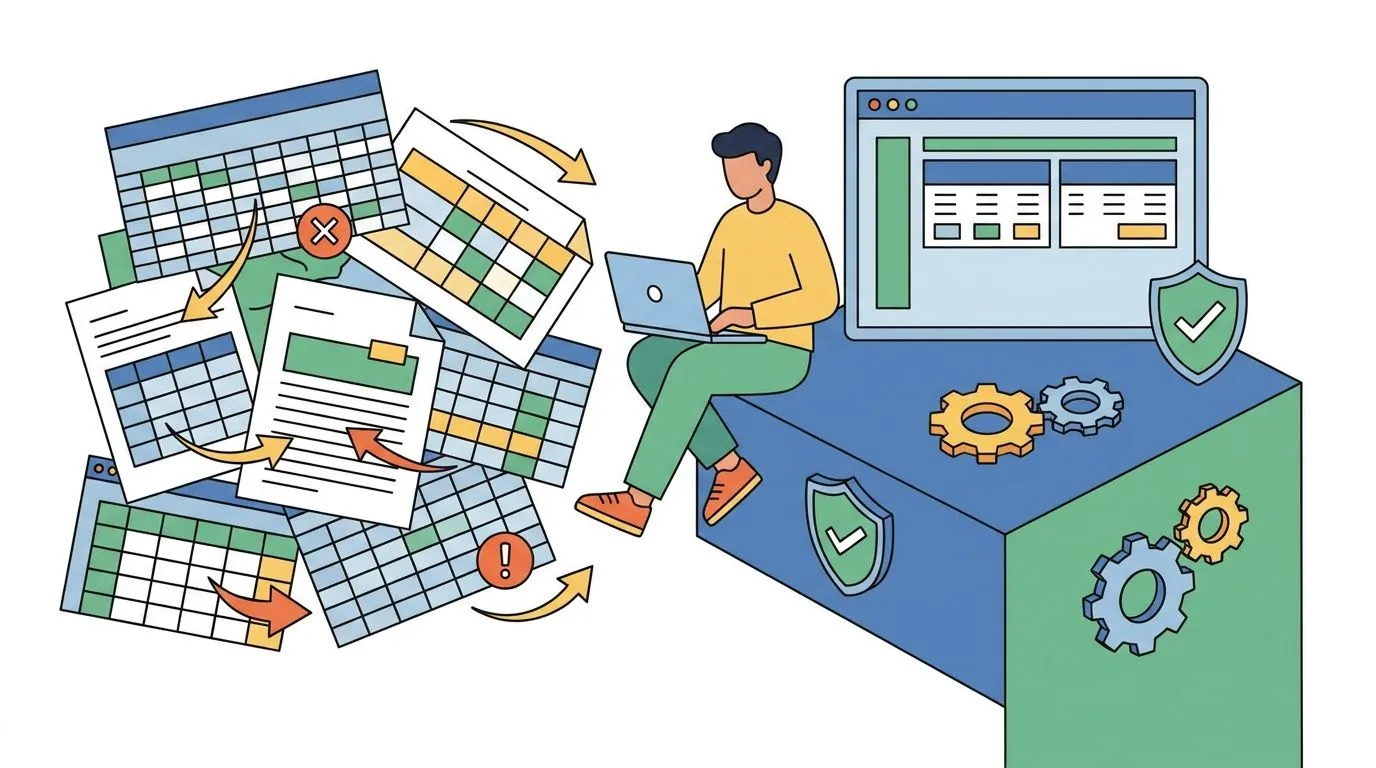
Spreadsheets track your ISO 27001 controls fine until an auditor asks for version history you don't have. This guide covers how to migrate from spreadsheets to compliance software in 2026 without losing evidence, deadlines, or your audit trail.
Why this matters
A spreadsheet works for one framework and one person. It stops working the moment you add a second framework, a second reviewer, or an auditor who wants proof a control was checked on a specific date, not just a cell marked "done".
OneClickComply exists because spreadsheets can't timestamp evidence, can't remind anyone when a control lapses, and can't hand an auditor a clean export in 2026 without three hours of formatting first.
Migrating isn't optional once you're managing more than one certification. It's a matter of when the spreadsheet breaks, not if.
What you'll need
- Every spreadsheet, tab, and shared doc currently used for compliance tracking - list them, don't assume you remember them all
- A copy of your current Statement of Applicability or control list, exported as a standalone file
- Evidence files referenced in the spreadsheet (screenshots, policy PDFs, ticket exports) collected in one folder, not scattered across three drives
- A list of every framework you're certifying against - ISO 27001, Cyber Essentials, SOC 2, or a combination
- Sign-off from whoever owns the audit relationship, since migration touches what the auditor sees
- Two to four weeks of overlap time - migrating and decommissioning on the same day is how evidence goes missing
The steps
1. Audit what's actually in your spreadsheets
Open every tab and list what each one tracks: controls, owners, review dates, evidence links. Most teams find duplicate tracking across two or three files nobody remembers creating.
This step accomplishes one thing: it tells you exactly what has to survive the migration. Skip it and you'll rebuild half your control set from memory in month three.
Common mistake: treating the newest tab as the master file. Check dates - the "final" tab is often older than a working copy someone forked six months ago.
2. Map spreadsheet columns to platform control fields
Most compliance platforms structure controls the same way ISO 27001:2022's 93 Annex A controls are structured - by domain, owner, evidence type, and review date. Match your spreadsheet columns to those fields before you import anything.
Running an ISO 27001 gap analysis at this stage catches controls your spreadsheet never tracked at all - a common finding for teams that built their tracker ad hoc rather than against the standard.
Common mistake: importing free-text notes as-is. Structured fields need structured data, not a paragraph explaining what happened in Q3 2025.
3. Import historical evidence, not just current status
Auditors don't just want to know a control passes today. They want to see it passed on the last three review dates too. Bring evidence files in with their original timestamps intact, not re-uploaded with today's date.
This is where most migrations lose points with auditors - evidence that looks freshly created rather than historically maintained triggers follow-up questions. Automating evidence collection going forward removes this problem entirely; see how to automate evidence collection for audits once the platform is live.
Expected outcome: every control has at least one historical evidence file attached, not just a status flag.
4. Set owners and review cadences inside the platform
Spreadsheets rely on someone remembering to check a cell. A platform sends reminders automatically. Assign a named owner to every control - not "IT" as a department, an actual person - and set the review cadence to match your certification cycle: annual for Cyber Essentials, ongoing for ISO 27001 surveillance audits.
Common mistake: leaving controls unassigned during migration "to sort out later". Unassigned controls are the ones that lapse first.
5. Run both systems in parallel for one cycle
Don't delete the spreadsheets the day the platform goes live. Run both for one full review cycle - typically one to three months depending on your framework - and reconcile any discrepancy before you retire the old file.
This catches import errors while you still have the source to check against. Once the reconciliation is clean, archive the spreadsheets rather than deleting them; auditors sometimes ask for the pre-migration record.
6. Retire the spreadsheets and lock the export
Once parallel running confirms the platform holds everything correctly, archive the spreadsheets read-only and stop updating them. Generate a full export from the platform and store it separately as your migration record.
Expected outcome: one source of truth, one place auditors look, zero "which tab is current" conversations in your next review.
Ready to retire the spreadsheet?
See how OneClickComply automates evidence collection for ISO 27001, Cyber Essentials, and SOC 2.
Troubleshooting
Evidence dates don't match when imported. Check the file metadata before upload - some cloud drives reset creation dates on download. Re-download from the original source rather than a forwarded copy.
Two spreadsheets disagree on control status. Trust whichever was last updated by the control owner, not whichever looks more complete. Completeness without ownership is often stale data dressed up.
Auditor asks for pre-migration history you archived. Keep the archived spreadsheets accessible, not deleted, for at least one full certification cycle after migration - three years for ISO 27001, twelve months for Cyber Essentials.
Owners weren't notified of their new responsibilities. A platform reminder only works if the recipient knows why they're getting it. Run a short walkthrough before go-live, not after the first missed deadline.
Migration stalls because nobody owns the project. Assign one person to drive the migration end-to-end. Compliance migrations that get treated as "everyone's job" become nobody's job by week three.
Tools and resources
- Your existing spreadsheet exports and evidence archive (the raw material for migration)
- A gap analysis against your target framework, run before you finalise field mapping
- An evidence automation workflow, so you're not rebuilding manual tracking inside the new platform
- A project owner with authority to sign off on the cutover date
- A calendar reminder set for the end of your parallel-run period
What to do next
Once migration is complete, the next problem most teams hit is running more than one framework through the same platform without duplicating work. If you're adding a second certification, read how to reduce audit fatigue across multiple compliance frameworks before you start mapping a second control set from scratch.
Frequently asked questions
One last thing
The migration step teams skip most often is the parallel-run period - they go live and delete the spreadsheets the same week. That's the single most common reason evidence goes missing before the next audit. Give it one full cycle before you archive anything.