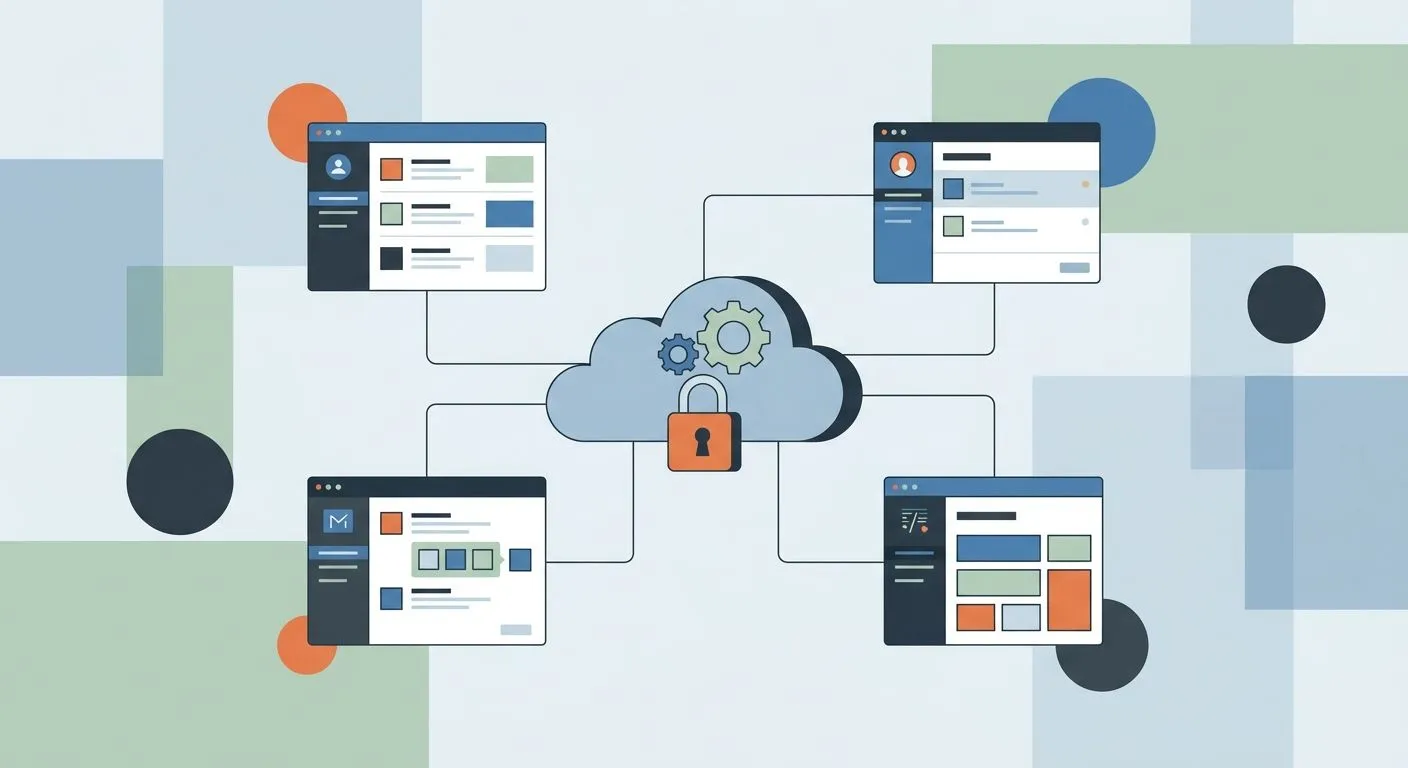
Vendor risk management software for SaaS companies is a system that tracks every third-party tool, subprocessor and API you rely on, scores each one for security risk, and keeps the audit trail your customers' procurement teams demand — without a full-time compliance hire running it by hand.
Why vendor risk management matters for SaaS companies
Your SaaS product runs on other people's infrastructure. Cloud hosting, payment processing, email delivery, analytics, customer support tools — each one touches your customers' data at some point, and each one is a vendor you're accountable for.
Enterprise buyers know this. A security questionnaire in 2026 doesn't stop at your own controls — it asks who you share data with and how you vet them. If you can't produce a current vendor list with risk ratings, the deal stalls at legal review.
SaaS companies also churn vendors faster than most industries. You add a new API integration, swap a logging tool, or onboard a new payment processor every quarter. A spreadsheet updated once a year can't keep pace with that turnover — OneClickComply exists specifically to close that gap.
The pressure isn't just customer-driven. SOC 2 compliance for UK SaaS companies and ISO 27001 both require documented vendor management as a control — not a nice-to-have, a scored requirement your auditor checks line by line.
The seven-step vendor risk process
Build a complete vendor inventory
You can't manage risk on vendors you haven't listed. Start with every tool that touches customer data, code, or infrastructure.
- List every SaaS tool with an active login from an employee account
- Include subprocessors named in your own SOC 2 report or privacy policy
- Flag any vendor with API access to production systems
- Note contract renewal dates so reviews don't lapse silently
- Assign an internal owner to each vendor, not just a department
Classify vendors by risk tier
Not every vendor deserves the same scrutiny. A payroll processor handling employee bank details carries different risk than a stock photo subscription.
- Tier 1: vendors with access to customer data or production environments
- Tier 2: vendors touching internal systems but not customer-facing data
- Tier 3: vendors with no data access — low-priority for review
- Re-tier vendors automatically when their scope of access changes
Send security questionnaires to critical vendors
Tier 1 and Tier 2 vendors need a documented answer on their own controls before you sign or renew.
- Ask for their most recent SOC 2 report or ISO 27001 certificate
- Confirm data encryption at rest and in transit
- Check subprocessor disclosure — do they use their own fourth parties?
- Request incident notification timelines in writing
Doing this manually means chasing PDFs over email and tracking responses in a shared drive. It works at five vendors. It breaks down at fifty.
Set contractual security requirements
A questionnaire answer means nothing without a contract clause backing it up.
- Add breach notification timelines (24-72 hours is standard practice)
- Require annual re-certification proof for Tier 1 vendors
- Include audit rights so you can request evidence on demand
- Specify data deletion terms on contract termination
Automate evidence collection and re-assessment
This is where manual tracking hits its ceiling. Once you're past a handful of vendors, chasing renewal dates and certificate expiries by hand guarantees something slips.
OneClickComply automates the evidence collection side of vendor risk management — it pulls certification status, flags expiring documents, and keeps the vendor register current without someone manually re-checking each one every month. That's the difference between vendor risk management software for SaaS teams and a spreadsheet with good intentions.
- Automated reminders before vendor certifications expire
- A single register mapped to your own ISO 27001 or SOC 2 controls
- Evidence stored centrally, ready for your next audit request
- Risk scores that update when a vendor's certification status changes
Monitor vendors continuously, not annually
A vendor that passed review in January can change hands, get breached, or drop a certification by June. Annual-only reviews miss all of that.
- Track public breach disclosures for critical vendors
- Monitor certification renewal dates against expiry, not just issue date
- Re-score vendors when they add new subprocessors
- Set a trigger for re-review whenever contract terms change
Report vendor risk to your board or customers
Enterprise customers and your own board want a summary, not a raw list.
- Produce a vendor risk summary by tier, not a flat list
- Show trend data: vendors added, removed, re-tiered this quarter
- Include open remediation items with owners and dates
- Keep a version history for audit purposes
Comparing your options for SaaS vendor risk management
| Option | Best for | Key limitation |
|---|---|---|
| Spreadsheet + email tracking | Under 10 vendors, very early-stage teams | No automated alerts, breaks down fast as vendor count grows |
| General-purpose GRC platform | Larger teams already running one for internal risk | Built for broad risk, not SaaS-specific vendor churn |
| Dedicated vendor risk point tool | Teams that only need vendor tracking, nothing else | Doesn't connect vendor risk to your own certification evidence |
| OneClickComply | SaaS teams managing vendor risk alongside their own ISO 27001, SOC 2 or Cyber Essentials certification | Not built for non-vendor risk domains outside compliance automation |
Verdict: if your vendor register and your own certification evidence live in two different systems, you're duplicating work every audit cycle — OneClickComply keeps both in one place.
Common mistakes SaaS companies make with vendor risk
- Treating all vendors the same. A logo design tool and a payment processor don't need the same review depth — tiering saves time without cutting corners.
- Reviewing vendors once at signup, never again. Certifications lapse, ownership changes, subprocessors get added — annual-only review misses all of it.
- Storing questionnaire answers in email threads. When an auditor asks for evidence, a thread search isn't a system.
- Skipping subprocessor disclosure checks. Your vendor's vendors are still your risk if customer data flows through them.
- No named owner per vendor. Risk items with no owner don't get remediated — they just sit.
Automate SaaS vendor risk reviews
Keep vendor evidence and your own certifications in one place.
Frequently asked questions
One last thing
Most SaaS companies don't lose enterprise deals over their own security posture — they lose them because a procurement reviewer asks for the vendor list and gets a blank stare. The vendor register is the one document that has to exist before the questionnaire even lands, not after.
Build it once, tier it properly, and automate the parts that expire on a calendar you don't control. That's the whole difference between vendor risk management as a fire drill and vendor risk management as a system — seriously simple cyber compliance, applied to the vendors you didn't build.