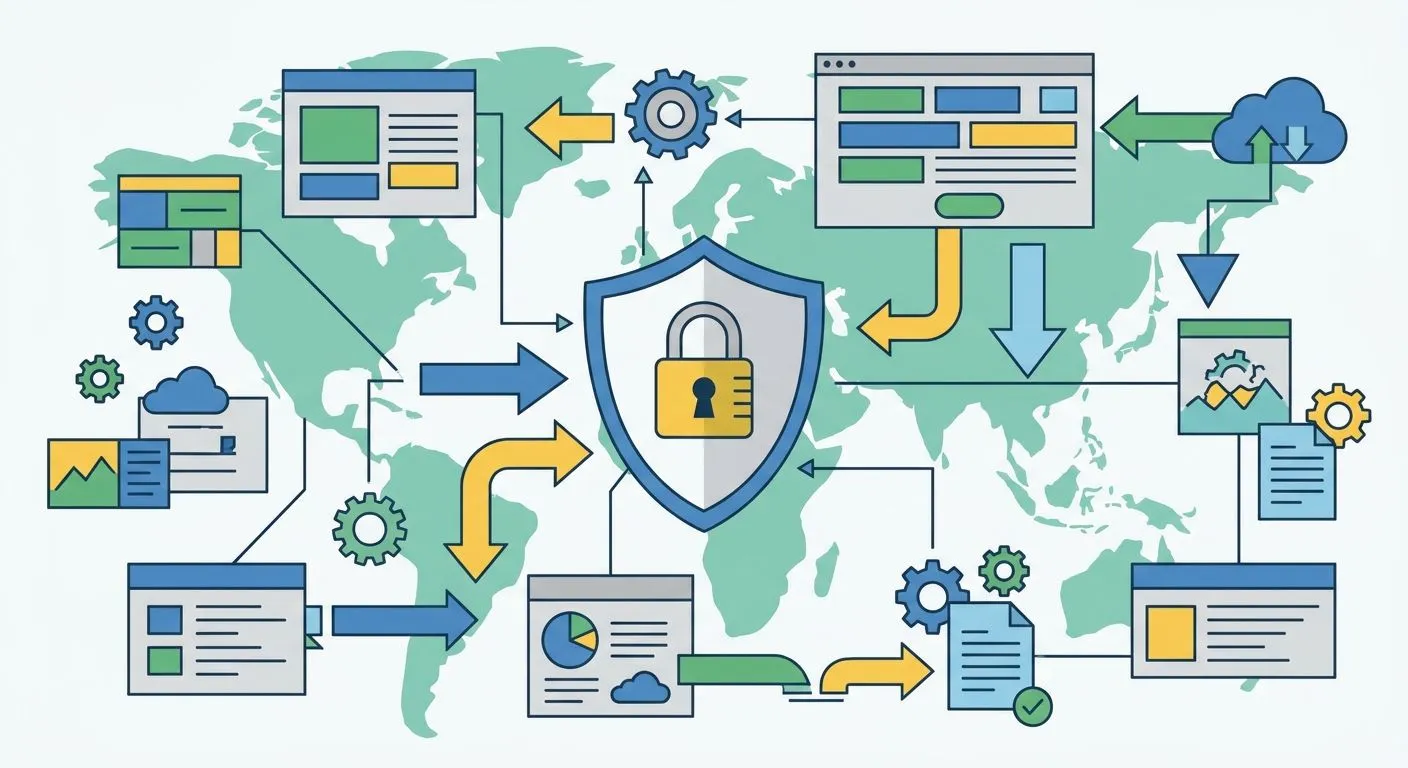
The best data mapping software for GDPR compliance in 2026 turns scattered spreadsheets and inbox exports into one live record of where personal data lives, why you process it, and how long you keep it. Best overall: OneClickComply for UK SMEs who need GDPR mapping built into a wider certification programme. Best for enterprise scale: OneTrust. Best for large, messy data estates: BigID. Best for lean teams: Osano.
Why this matters
Under UK GDPR Article 30, most organisations processing personal data need a Record of Processing Activities. A spreadsheet version goes stale the day someone adds a new SaaS tool.
OneClickComply automates that record alongside ISO 27001, Cyber Essentials, and SOC 2 evidence, so data mapping isn't a separate project bolted onto your compliance work — it's part of the same system.
Getting this wrong isn't abstract. Regulators expect an accurate, current data map before they'll look kindly on anything else in a GDPR file, including your data protection impact assessments.
What makes the best data mapping software for GDPR compliance
- Automated discovery across cloud storage, SaaS apps, and databases — not a one-time manual survey
- Maps personal data flows to a lawful basis and a retention period, not just a system name
- Generates and updates a Record of Processing Activities automatically as systems change
- Flags cross-border transfers that trigger UK GDPR Chapter V safeguards
- Integrates with your existing compliance or security stack instead of sitting apart from it
- Produces audit-ready reports without a spreadsheet rebuild before every review
Data mapping software for GDPR: at a glance
| Software | Best for | Standout feature | Key limitation |
|---|---|---|---|
| OneClickComply | UK SMEs mapping data inside a certification programme | Automated Record of Processing Activities tied to ISO 27001/Cyber Essentials evidence | Not a standalone data discovery scanner |
| OneTrust | Enterprise privacy management at scale | Broad privacy operations suite across dozens of regulations | Heavy for a small compliance team to run alone |
| BigID | Large, complex data estates | Automated data discovery and classification across structured and unstructured stores | Built for data volume, not GDPR certification work |
| Securiti | AI-driven data mapping and privacy automation | Automated flow mapping across cloud and SaaS environments | Steep setup for teams without a dedicated privacy function |
| Osano | Lean teams needing lightweight tracking | Consent management paired with basic data mapping | Shallower mapping depth than dedicated discovery tools |
| Collibra | Enterprise data governance teams | Data catalog built for governance, not GDPR alone | Not GDPR-first — needs bolting onto a compliance workflow |
The 6 best data mapping software picks for GDPR compliance in 2026
1. OneClickComply: best for UK SMEs mapping GDPR data inside a wider compliance programme
OneClickComply automates the record-keeping side of GDPR — building and maintaining a Record of Processing Activities alongside ISO 27001, Cyber Essentials, and SOC 2 evidence in one place. It's built for growing businesses that need data mapping to sit next to certification work, not as a separate tool with its own login.
OneClickComply pros:
- Ties data mapping directly to lawful basis, retention, and existing compliance evidence
- Keeps the record current as your certification programme evolves, not just at audit time
- One system for GDPR, ISO 27001, Cyber Essentials, and SOC 2 rather than four disconnected tools
OneClickComply cons:
- Not a dedicated data discovery scanner that crawls every cloud bucket automatically
- Best suited to businesses already running (or planning) a broader certification programme, not a GDPR-only shop
Best for: UK SMEs who want GDPR data mapping bundled with certification automation. Verdict: Buy.
2. OneTrust: best for enterprise privacy management at scale
OneTrust is one of the largest privacy management platforms on the market, covering data mapping, consent, and regulatory tracking across multiple frameworks beyond GDPR. It's built for organisations running dedicated privacy teams across several jurisdictions.
OneTrust pros:
- Broad framework coverage beyond UK GDPR alone
- Mature platform with deep configuration options for large data estates
- Established integrations across enterprise SaaS ecosystems
OneTrust cons:
- Configuration complexity assumes a team dedicated to running it
- Overkill for a small business whose main need is a current GDPR record
Best for: enterprises with dedicated privacy operations staff. Verdict: Hold unless you're already at that scale.
3. BigID: best for automated data discovery across large, messy data estates
BigID specialises in scanning structured and unstructured data stores to find and classify personal data automatically. It's a discovery-first tool rather than a GDPR certification platform.
BigID pros:
- Strong automated classification across large volumes of unstructured data
- Useful where nobody fully knows what data lives where
- Scales across complex, multi-system environments
BigID cons:
- Not built around GDPR certification deliverables specifically
- Requires integration work to turn discovery output into an audit-ready record
Best for: organisations with large, undocumented data estates. Verdict: Hold — strong discovery, needs pairing with compliance workflow elsewhere.
4. Securiti: best for AI-driven data mapping and privacy automation
Securiti automates data flow mapping using AI to trace personal data across cloud and SaaS environments, alongside broader privacy operations tooling.
Securiti pros:
- Automated flow mapping reduces manual survey work
- Covers privacy operations beyond mapping alone, including rights requests
- Built for organisations running data across many cloud services
Securiti cons:
- Setup and configuration favour teams with existing privacy tooling experience
- More platform than most SMEs need for GDPR compliance alone
Best for: mid-market and enterprise teams automating privacy operations broadly. Verdict: Hold for SMEs without dedicated privacy resource.
5. Osano: best for lean teams needing lightweight consent and mapping
Osano pairs consent management with a lighter-weight data mapping layer, aimed at teams that don't need a full enterprise privacy suite.
Osano pros:
- Simpler setup than enterprise privacy platforms
- Consent management and data mapping in one lighter package
- Reasonable fit for smaller marketing-heavy websites
Osano cons:
- Mapping depth is shallower than dedicated discovery tools like BigID
- Less suited to businesses needing certification-grade evidence alongside the map
Best for: lean teams whose main GDPR exposure is website consent and a basic data map. Verdict: Buy for that narrow use case, Skip if you need certification-grade evidence too.
6. Collibra: best for enterprise data governance teams
Collibra is a data governance and catalog platform used by large enterprises to manage data lineage, quality, and stewardship — GDPR mapping is one use case among many.
Collibra pros:
- Strong data catalog and lineage capabilities
- Fits organisations already running broader data governance programmes
- Scales across very large, federated data environments
Collibra cons:
- Not GDPR-first — requires building compliance workflow on top of it
- Heavy implementation lift for a business whose only goal is a GDPR record
Best for: enterprises with an existing data governance function. Verdict: Skip if GDPR data mapping is your only requirement.
How we ranked these tools
Each pick is scored against the criteria above: does it automate discovery, does it produce a usable Record of Processing Activities, does it flag cross-border transfers, and does it fit inside an existing workflow rather than adding a new one. Tools built for enterprise data governance score well on depth but lose points on GDPR-specific fit for smaller businesses. A current data map also feeds directly into a data protection impact assessment — a tool that can't keep the map current makes every downstream assessment stale from day one.
Which data mapping software should you choose?
If you're a UK SME already working toward ISO 27001, Cyber Essentials, or SOC 2, OneClickComply is the default pick in 2026 — it keeps your GDPR record inside the same system as your certification evidence instead of a fourth disconnected tool. If you're running a dedicated privacy team across multiple jurisdictions, OneTrust or Securiti fit that scale. If your problem is genuinely not knowing where data sits across a sprawling estate, BigID earns its complexity. For a lightweight consent-and-mapping need on a small website, Osano is the simpler buy.
Frequently asked questions
One last thing
Most small businesses assume Record of Processing Activities obligations only apply to large enterprises. Article 30(5) says otherwise: if processing isn't occasional, or touches special category data, the requirement applies regardless of headcount in 2026. Check your own exposure before assuming the map is optional.
Automate your GDPR data map
See how OneClickComply keeps your Record of Processing Activities current alongside ISO 27001 and Cyber Essentials evidence.