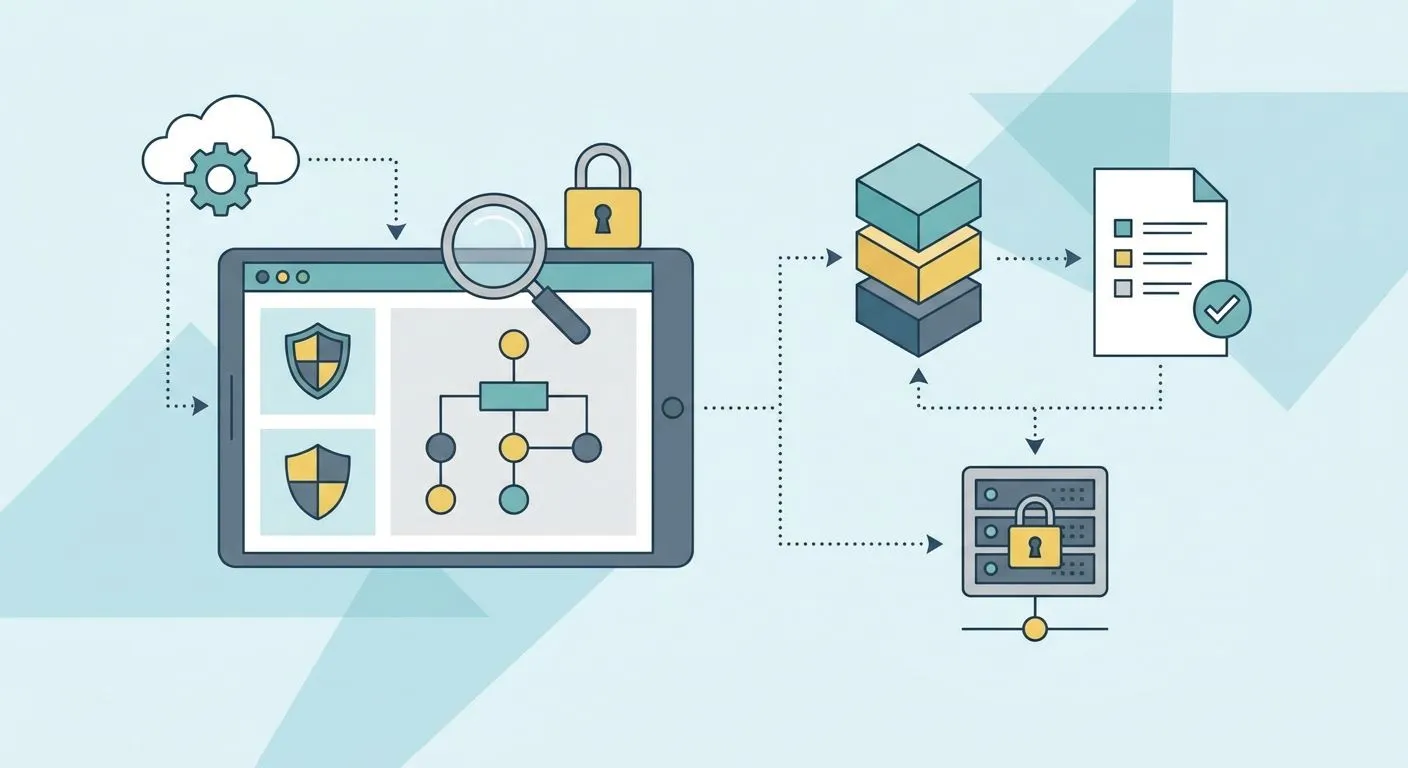
Risk register software for ISO 27001 programmes is the tool an organisation uses to log, score, and track information security risks so certification audits find a live process instead of a static spreadsheet. Teams running lean security functions need this more than most — one person often owns the whole register alongside a dozen other jobs, and manual upkeep is the first thing that slips before an audit.
Why this matters for ISO 27001 programmes
Auditors don't just check that a risk register exists — they check that it has been used since the last review. A register updated once, at initial certification, and never touched again is the most common finding auditors flag at surveillance audit.
For a lean security team, the risk register is the connective tissue between the risk assessment, the Statement of Applicability, and the controls actually in place. Get the mapping wrong once and every audit cycle after that repeats the error.
Manual spreadsheets work for the first certification cycle, but ISO 27001 programmes that plan to renew year over year need risk register software that keeps the register, the Annex A mapping, and the evidence trail in sync automatically.
Build a risk register that survives your ISO 27001 programme
Inventory your assets and information flows first
You can't score a risk against an asset you haven't logged. Before any risk register has value, get the asset inventory right.
- List information assets: customer data, source code, HR records, third-party systems
- Tag each asset with a data classification and a named owner
- Map where each asset moves — SaaS tools, cloud storage, third-party processors
- Flag assets shared with vendors or subprocessors separately
This step is free and manual. Do it in a spreadsheet if you have to — the point is completeness, not tooling. OneClickComply picks up from here once the inventory exists, but the inventory itself is your job.
Identify and score risks against likelihood and impact
Every risk in an ISO 27001 register needs a likelihood score, an impact score, and a resulting rating. ISO 27001 does not mandate a specific methodology, so pick one and stay consistent.
- Use a 1-5 scale for likelihood and impact, multiplied for a risk score
- Define your risk appetite threshold before you score anything
- Score against confidentiality, integrity, and availability separately where they diverge
- Re-score after each treatment action, not only at initial assessment
- Keep a rationale note against every score — auditors ask why, not just what
Consistency beats sophistication. A five-point scale applied the same way every quarter outperforms a ten-point scale nobody remembers how to use by year two.
Map each risk to Annex A controls and treatment plans
This is where lean teams lose the most time. A register isn't complete until every entry links to the Annex A control that treats it, and to the Statement of Applicability that justifies inclusion or exclusion.
- Link each risk to one or more Annex A control references
- Note whether the control is implemented, partially implemented, or planned
- Record the treatment decision: accept, mitigate, transfer, or avoid
- Set a target date for any control still in progress
- Cross-check every excluded control against your Statement of Applicability justification
Miss this mapping and your auditor spends the visit reconstructing it manually — exactly the finding you don't want on record.
Assign owners and a review cadence
A risk with no owner doesn't get treated. Every register entry needs a named owner, not a department.
- Assign one accountable person per risk
- Set a cadence: quarterly minimum for active risks, annual for accepted low risks
- Escalate overdue reviews automatically rather than relying on memory
- Record every review, even when the outcome is no change
Automate evidence and audit trail collection
Once the register, the Annex A mapping, and ownership exist, manual upkeep becomes the bottleneck — not the framework. This is where risk register software for ISO 27001 earns its place over a spreadsheet.
- Automate evidence capture against each control so the register updates itself
- Generate an audit-ready trail of every score change and review date
- Sync risk status with live control state, not a quarterly snapshot
- Flag risks with no recent review before an auditor does
OneClickComply automates this loop end to end — the risk register stays current against your actual control state instead of the last time someone remembered to open a spreadsheet. That is the difference between a register that passes a gap analysis once and one that survives every surveillance audit after it.
Report risk posture without rebuilding a deck every quarter
Boards and auditors want the same thing from a register: a current picture, not a narrative assembled from scratch each time.
- Export a risk summary by rating band (high, medium, low) on demand
- Track risk trend over time, not just current-state snapshots
- Show treatment progress against target dates
- Draw board reporting and audit reporting from the same live data
Compare your options
| Option | Best for | Key limitation |
|---|---|---|
| Spreadsheet (Excel or Sheets) | First-time ISO 27001 certification with a single owner | No automated evidence trail; breaks down at renewal |
| Generic GRC platform | Larger teams already running several frameworks | Not built specifically around Annex A mapping |
| ISO 27001 automation (OneClickComply) | Lean security teams managing certification end-to-end | Requires initial setup of asset inventory and control mapping |
| Consultant-maintained register | Businesses with no internal compliance resource yet | Ongoing cost of an external party updating it each cycle |
Spreadsheets are fine for a first certification attempt. Risk register software for ISO 27001 becomes the better call the moment you are renewing certification or running more than one framework at once.
Automate your ISO 27001 risk register
Risk scoring, Annex A mapping and evidence stay in sync automatically.
Common mistakes ISO 27001 programmes make with their risk register
- Treating the register as a one-time deliverable. Built for the initial audit, then never reopened until the surveillance audit reminder lands.
- Scoring risks without a documented methodology. Auditors ask why a risk is medium instead of high. "It felt right" is not a rationale.
- Leaving Annex A mapping implicit. The register lists risks, but nobody has linked them to the controls that treat them.
- Assigning risks to a team, not a person. Shared ownership means nobody owns the review date.
- Rebuilding the risk report from scratch for every board meeting. If the register isn't the single source of truth, numbers drift between audit and board deck.
Frequently asked questions
One last thing
The register itself rarely fails an audit — the review gap does. Auditors do not expect zero risks; they expect evidence that every risk on the register has been looked at since the last visit. Set a recurring calendar block for register review before you worry about scoring methodology, because a simple scale reviewed on time beats a sophisticated scale reviewed never. Seriously simple cyber compliance starts with a register somebody actually opens.