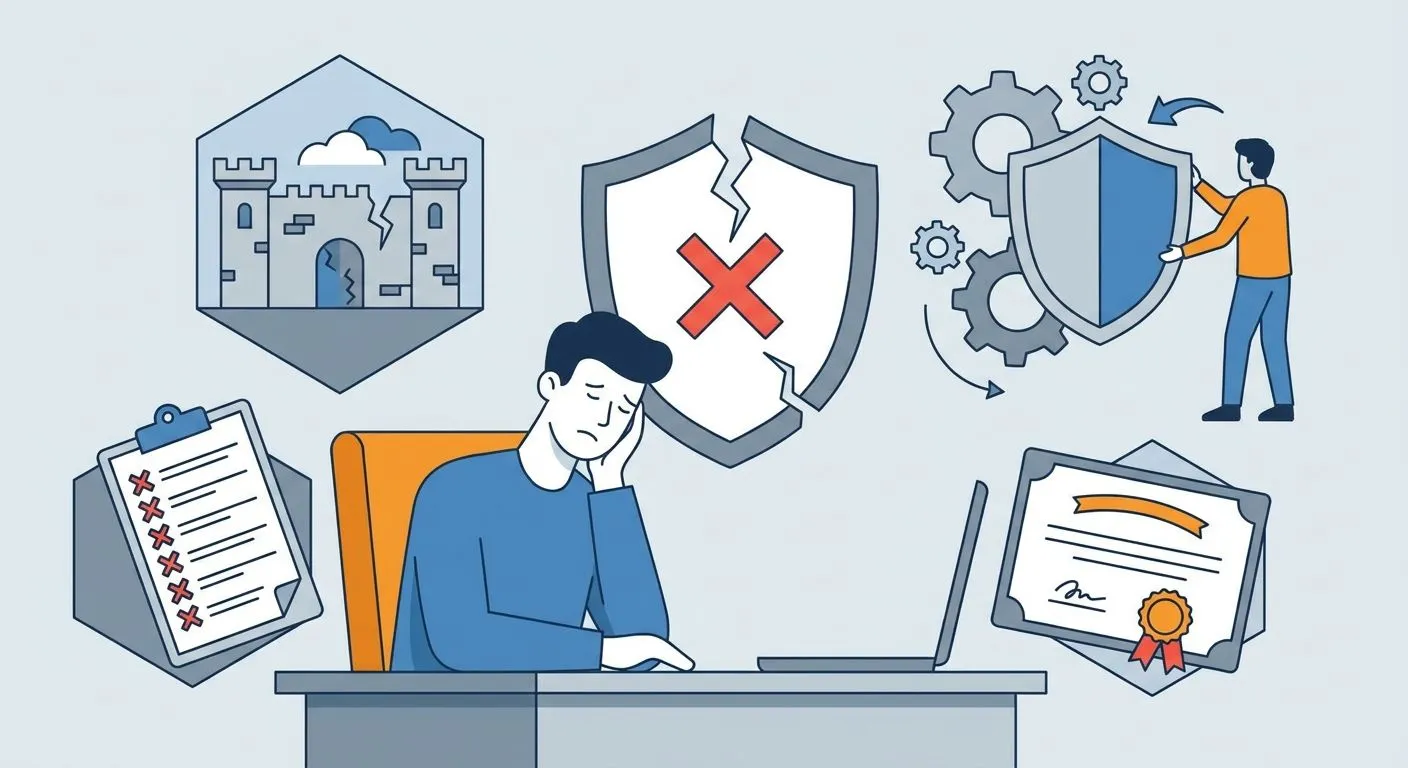
A failed Cyber Essentials assessment is not a business emergency — it is a checklist problem. Fix the failed controls, resubmit, and you are certified within days.
Why this matters
Cyber Essentials certification unlocks government contracts, cyber insurance discounts, and client trust in 2026's tightening procurement market. A failed assessment delays all three.
The good news: Cyber Essentials tests five control themes — firewalls, secure configuration, security update management, user access control, and malware protection. A failure almost always sits in one or two of these, not all five.
Most businesses that fail do so on a fixable technical detail: an unpatched device, a shared admin login, or a firewall rule left open from a old project. None of that requires a security overhaul.
What you'll need
- Your full assessment report from the certifying body, with every failed control listed
- Admin access to every device and account in scope (laptops, servers, mobile devices, cloud consoles)
- A patch management view showing what's outdated and what's supported
- Evidence of multi-factor authentication (MFA) status across all admin and cloud accounts
- A resubmission deadline — most certifying bodies specify one in the failure notice
- A compliance platform or spreadsheet to track fixes against each failed control
The steps
1. Read the failure report line by line
The assessment report names the exact control that failed and why. Don't assume — read it.
Certifying bodies score against the five Cyber Essentials themes, and each failure maps to a specific requirement (e.g. "boundary firewall allows inbound traffic on port 3389"). Treat the report as your fix list, not a summary.
Common mistake: skimming the pass/fail line and missing the technical detail underneath it. That detail is the actual instruction.
2. Triage by control theme
Group every failed item under its control theme — firewalls, secure configuration, patching, access control, or malware protection.
This tells you whether you have one deep problem (e.g. every failure traces to unpatched software) or several shallow ones. In 2026 assessment data patterns, unsupported operating systems and missing MFA remain the two most repeated failure points across UK SME submissions.
Expected outcome: a short list, usually 2-5 items, each tied to a named control.
3. Close unsupported software and OS gaps
Any device running an operating system past its vendor's end-of-life date fails automatically under the secure configuration and patching controls.
- Check every laptop, server, and mobile device against current vendor support dates
- Upgrade or replace anything unsupported — there's no partial credit here
- Apply outstanding security updates within 14 days of release going forward, the standard most assessors expect
Common mistake: upgrading the OS but leaving third-party software (browsers, plugins, PDF readers) on old versions. Assessors check both.
4. Enforce MFA on every admin and cloud account
Missing multi-factor authentication on cloud services, admin panels, or email accounts is one of the fastest ways to fail user access control.
- Turn on MFA for all cloud admin accounts, not just email
- Remove shared or generic admin logins — each admin needs a named account
- Document who has admin rights and why, ready to show the assessor
Why it matters: a single unprotected admin account can fail the whole control theme, even if every other account is locked down.
5. Lock down the boundary firewall
Open inbound ports, default router credentials, and unused rules are the classic firewall failure.
- Audit every firewall rule and remove anything not tied to a documented business need
- Change all default admin passwords on routers and firewalls
- Block unnecessary inbound services entirely — remote desktop ports are the most common repeat offender
Expected outcome: a firewall configuration where every open port has a documented reason.
6. Confirm malware protection is active everywhere
Every device in scope needs anti-malware software, active and updated, or an application allow-listing approach.
- Check coverage on every laptop, server, and mobile device — not just the office desktops
- Confirm automatic updates are switched on, not manual
- Remove any device from scope that can't meet this bar, if it genuinely doesn't need to be included
7. Resubmit before your window closes
Most certifying bodies give a set period to fix and resubmit after a failed Cyber Essentials assessment — check your failure notice for the exact deadline.
Resubmit only after every named control gap is closed and documented. A second failure on the same control looks worse to a certifying body than a first-time miss on a new one.
Common mistake: resubmitting before confirming the fix actually resolved the issue on every device in scope, not just the one that was tested.
Fix the gap, not the guesswork
Automated evidence tracking across all five Cyber Essentials controls.
Troubleshooting
Problem: You don't understand the technical language in the failure report. Ask your certifying body to clarify the specific finding before you attempt a fix — guessing wastes your resubmission window.
Problem: A device outside your usual IT visibility failed the assessment. Bring shadow IT and personal devices used for work into scope, or formally exclude them and document the exclusion.
Problem: You fixed the issue but the resubmission failed again. Check whether the fix applied to every device in scope, not just the sample the assessor tested — partial fixes are the most common repeat failure in 2026.
Problem: You're not sure how long your resubmission window is. Check the original failure notice; if it's not stated, contact the certifying body directly rather than assuming a standard timeframe.
Problem: The same control keeps failing across renewal cycles. That's a process gap, not a one-off. Building a repeatable check into how you renew Cyber Essentials certification each year stops the pattern.
Problem: You're about to attempt Cyber Essentials Plus and worried about a repeat failure. Plus adds on-site technical testing on top of the base controls — review how to prepare for a Cyber Essentials Plus audit before booking a retest.
Tools and resources
- Your certifying body's failure report and resubmission policy
- Patch management tooling that flags unsupported OS versions automatically
- MFA enforcement settings in your cloud admin console
- A firewall rule audit checklist covering every inbound port
- Automated evidence collection for audits to keep control status current between assessments, not just at renewal time
What to do next
Once you're certified, cyber insurance underwriters increasingly ask for Cyber Essentials as a baseline. Review how to align Cyber Essentials with cyber insurance requirements so the certification does double duty.
Frequently asked questions
One last thing
The control that trips up the most 2026 submissions isn't exotic malware protection — it's an old default router password nobody changed. Check that one first.