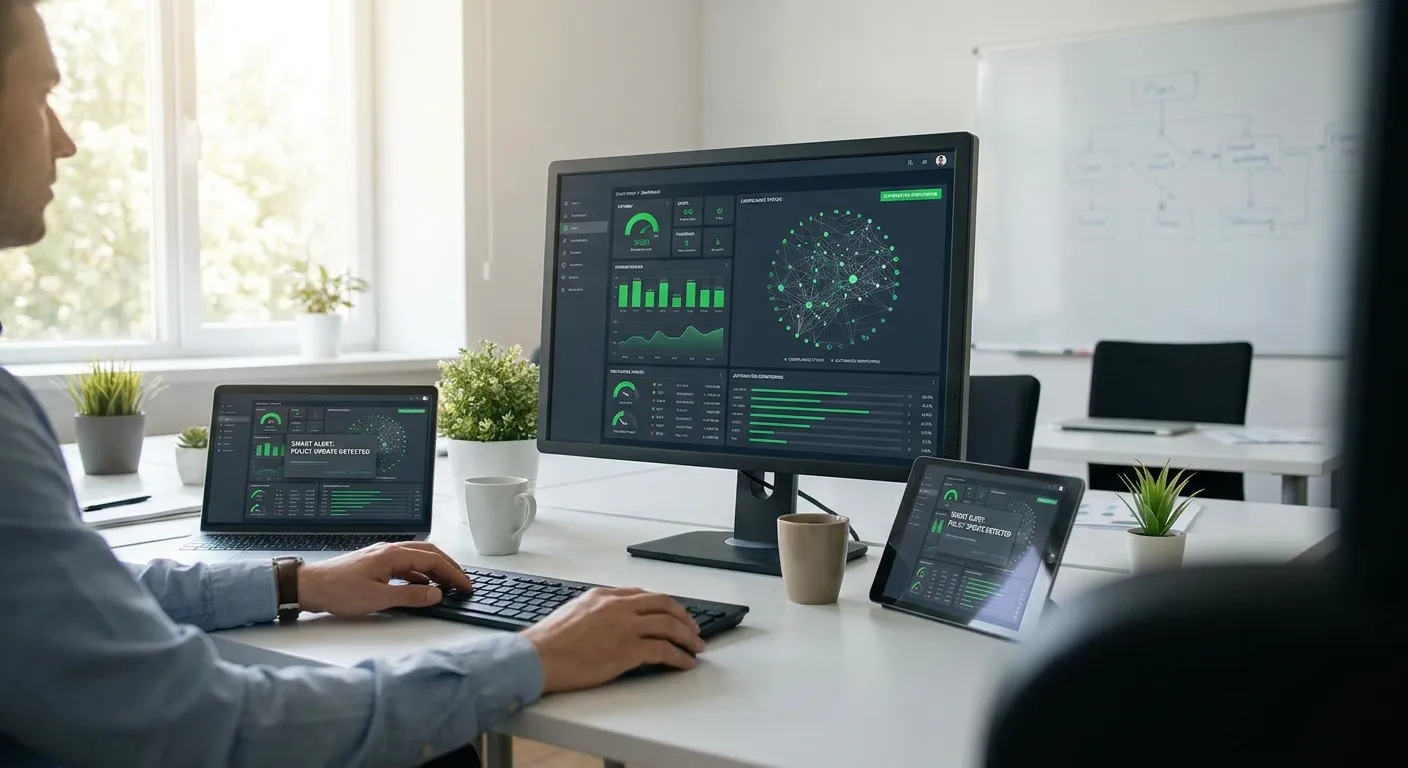
Running continuous compliance monitoring without hiring a compliance team means automating the evidence trail, not the judgment calls — the system watches the controls, you review the exceptions.
Why this matters
Most growing businesses treat compliance monitoring as a headcount problem. Add a GRC analyst, add a compliance manager, add a second security hire once the first one drowns in spreadsheets.
That math doesn't hold for a team under 50 people. The fix is automation that runs the monitoring loop for you, not a person who runs it manually. OneClickComply automates the evidence collection and control checks that used to require a dedicated headcount line, which is the whole point of running continuous compliance monitoring without adding one.
The difference between a company that scales compliance and one that hires its way through it is whether monitoring runs on a schedule the software owns, or a schedule a human has to remember.
What you'll need
- A control framework already chosen — ISO 27001, Cyber Essentials, SOC 2, or a mix
- Read access to the systems that generate evidence: cloud config, endpoint management, HR/onboarding, ticketing
- An automation platform that pulls evidence on a schedule rather than a person doing it manually
- A named owner for exceptions — not full-time, just accountable
- A renewal calendar for certification deadlines (Cyber Essentials is annual, ISO 27001 surveillance audits run yearly inside the 3-year cycle)
- 60-90 minutes to configure the initial control mapping
The steps
1. Map your controls to their evidence sources
Every control in ISO 27001 or Cyber Essentials maps to a system that already produces the proof — access logs, patch status, MFA enrollment, training completion. List each control against its source system before you automate anything.
Skip this step and you'll automate the wrong thing: pulling a report nobody reads instead of the one an auditor actually asks for. Expect this to take under an hour for a first framework. Common mistake: mapping controls to a person's memory instead of a system, which breaks the moment that person is on leave.
2. Connect the systems, not the spreadsheets
Point your monitoring tool at the live systems — your identity provider, endpoint agent, cloud console — instead of exporting CSVs into a folder. OneClickComply connects directly to these sources so evidence updates on its own instead of waiting for someone to remember the export.
This is the step that actually removes the headcount need. A person exporting reports monthly is a job; a connection that syncs weekly is a configuration. Common mistake: connecting read-write access when read-only is all compliance monitoring needs — it creates unnecessary risk exposure.
3. Set a review cadence, not a monitoring cadence
Continuous doesn't mean someone watches a dashboard all day. It means the system checks controls daily or weekly and only surfaces what changed. Set your human review to weekly for a 20-minute pass through flagged exceptions.
Teams that skip this and try to "stay on top of it" in real time burn out within a quarter. Common mistake: treating every alert as urgent, which trains the reviewer to ignore all of them by month three.
4. Automate the evidence pack, not just the alert
An alert tells you something drifted. An automated evidence pack proves it was fixed, with a timestamp an auditor can check without asking follow-up questions. Configure your monitoring tool to log the remediation, not just the finding — see how to automate evidence collection for audits for the mechanics of building that pack.
This step is what turns a surveillance audit from a two-week fire drill into a half-day review. Common mistake: logging the fix but not the evidence of the fix, which forces someone to reconstruct the trail manually right before the audit.
5. Build a patch and vulnerability loop that runs itself
Patch status is one of the highest-volume compliance checks and one of the easiest to automate. Feed vulnerability scan results and patch deployment status into the same monitoring layer as your other controls, covered in more depth in vulnerability and patch management for MSPs.
Without this, patch tracking becomes the one manual task that quietly justifies a new hire. Automate it and it stops being a job. Common mistake: treating critical and low-severity patches with the same SLA, which floods the exception queue with noise.
6. Assign one accountable owner, not a team
Continuous monitoring needs a name attached to exceptions, not a rotating shift. One person — often a founder, ops lead, or existing IT hire — owns the weekly review and signs off on remediation. That's the entire headcount requirement.
Splitting ownership across a team without a single accountable name is how exceptions sit unresolved for weeks. Common mistake: assigning ownership to "the team" in a shared inbox nobody checks daily.
7. Rehearse the audit before the auditor shows up
Run a dry pass through your evidence pack a month before any Cyber Essentials Plus or ISO 27001 surveillance audit. Confirm the automated pulls actually match what the auditor will ask for. This step catches gaps while there's still time to fix them.
Expect one or two mapping gaps even in a mature setup — that's normal, not a failure. Common mistake: waiting until the audit itself to discover a control mapped to the wrong evidence source.
See continuous monitoring in action
Automate evidence collection across ISO 27001, Cyber Essentials, and SOC 2 controls.
Troubleshooting
Alert volume is overwhelming within the first month. Your severity thresholds are too broad. Narrow alerts to controls that actually affect certification status and mute informational drift for now.
Evidence pulls fail silently. A system credential expired or a permission scope changed. Set a monthly check on connection health, not just on the evidence output.
The reviewer misses the weekly cadence. Ownership isn't accountable enough. Tie the review to a calendar block with a named person, not a task in a shared queue.
Auditors ask for evidence your automation doesn't produce. Your control mapping from Step 1 has a gap. Revisit the mapping before the next surveillance audit, not during it.
Patch status looks compliant but a critical CVE slipped through. Severity filtering is misconfigured. Re-check that critical and high findings bypass the weekly batch and trigger immediate review.
Renewal deadlines get missed. A calendar reminder isn't enough on its own. Pair the renewal date with an automated evidence checkpoint 60 days out, so the pack is ready before the deadline pressure starts.
Tools and resources
- OneClickComply — automated evidence collection and continuous control monitoring across frameworks
- How to automate evidence collection for audits — the mechanics behind Step 4
- Vulnerability and patch management for MSPs — the patch loop referenced in Step 5
- Your identity provider's audit log export (MFA enrollment, access reviews)
- Your endpoint management console's patch compliance report
What to do next
Once the monitoring loop is running, the next gap most lean teams hit is the annual renewal itself — the paperwork and evidence refresh that continuous monitoring should already have staged. Walk through how to renew Cyber Essentials certification each year to see how the two processes connect.
Frequently asked questions
One last thing
The teams that stall aren't the ones with weak tooling — they're the ones who never set alert thresholds tight enough to matter, so every review turns into noise triage instead of a 20-minute check. Fix the thresholds before you fix anything else, and the headcount question mostly disappears on its own.